

Starting a new project is usually the same story: you spend the first month buried in documentation, trailing senior developers for “quick chats,” and feeling like an impostor while trying to map out how services actually talk to each other.
In my recent role, the expectations were higher. The environment was high-velocity, and the company was heavily invested in AI-driven development. They handed me a GitHub Copilot license and premium access to models like Claude and Gemini, with a clear mandate: “Use the machine to move 10x faster.”
As a developer with 4.2 years of Java experience, I was initially an “AI Orthodox.” I believed that real engineering required manual tracing and that AI was just a glorified autocomplete. I was wrong. Here is how I used AI to bypass the “new guy” struggle and deliver senior-level optimizations in record time.
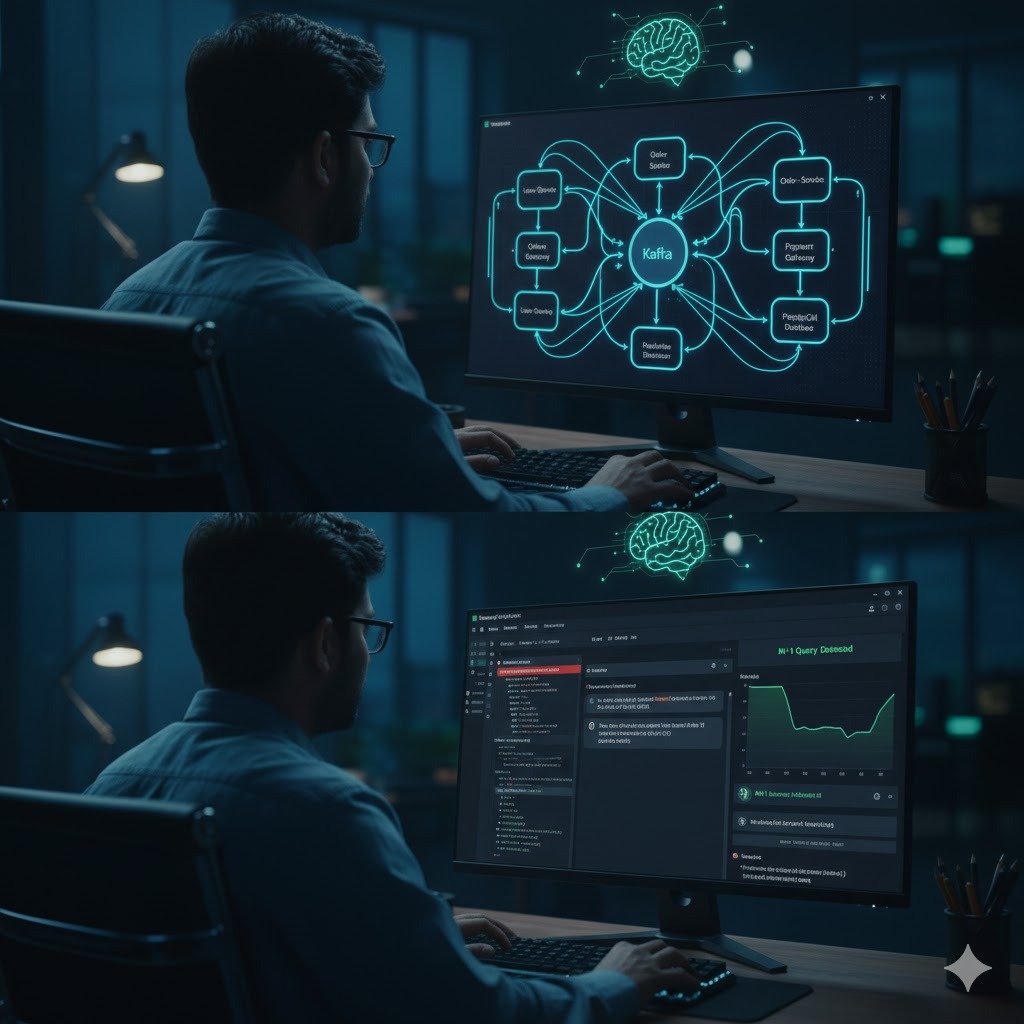
Beyond the “Chatbot”: Learning Architecture, Not Just Syntax
Usually, you learn a project by looking at the code. But code is just the end result; the real challenge is the Architecture.
Instead of asking AI to “write a function,” I used it as a Project Consultant. I realized early on that my monthly premium tokens were limited, so I stopped asking random questions and started using Prompt Engineering.
I fed the model our project’s documentation and READMEs. I stopped asking “What does this do?” and started asking:
“Based on our existing
OrderServiceand the Kafka event-bus configuration, map the data flow from the Gateway to the final Database commit. Identify any potential bottlenecks in the retry logic.”
By treating AI as an architectural sounding board, I understood the database relations and microservice communication deeper in three days than I usually would in three weeks of manual digging.
The 50% Speed Win: Solving the N+1 Problem in Spring Boot 3.5.9
The “Aha!” moment happened when I was assigned to optimize a sluggish search API. We were running a modern stack—Java 21 and Spring Boot 3.5.9—but the response times were unacceptable.
Instead of traditional debugging, I asked the AI to audit my repository layer. It immediately flagged a classic N+1 select problem hidden in my JPA relationships.
- The Problem: The API was triggering a separate database query for every child record in the search results.
- The AI Suggestion: Since we were on Spring Boot 3.5.9, it suggested implementing a dynamic EntityGraph to fetch the data in a single join.
- The Result: I reduced the API response time by 50%.
I didn’t need a year of project history to find that bug. I just needed to know how to provide the AI with the right context to see what I was missing.
Comparing the Old Way vs. AI-Driven Development
To stay within token limits and maximize efficiency, I moved from “Random Asking” to “Contextual Prompting.”
| Task | The “Orthodox” Way (Slow) | The AI-Driven Way (10x) |
| Onboarding | Reading 100+ files manually. | Training the model on Docs to map flows. |
| Performance | Manual profiling and log tracing. | AI-assisted code auditing for N+1/Complexity. |
| Boilerplate | Writing DTOs and Mappers by hand. | Automated generation with business logic context. |
| Peer Review | Waiting for a Senior Dev’s time. | Real-time warnings on $O(n^2)$ and thread safety. |
Why AI Makes You a Sharper Engineer
Many developers fear that AI will make them “lazy.” In my experience, it acts like a Senior Peer Reviewer who never gets tired.
- It Warns, Not Just Writes: While writing a service, Copilot stopped me: “This nested loop will cause performance issues with our current data volume. Use a HashMap for $O(1)$ lookup.”
- It Kills Boilerplate Burnout: It handles the repetitive code, allowing me to focus on high-level Business Logic and system design.
- It Trains the Model on the Business: I learned to feed specific business rules into the prompt so the AI understands our domain, not just generic Java.
Final Thoughts: Adapt or Stay Behind
Surviving in a fast-paced environment isn’t about memorizing every line of code. It’s about how quickly you can synthesize information.
I didn’t have to know everything on Day 1. I just had to know how to use the tools to find the answers. AI didn’t make me a “lazy” developer; it removed the friction of the learning curve, allowing me to start contributing meaningful, high-quality code in my first week.
The machine isn’t replacing the developer. But the developer who uses the machine is absolutely going to outpace the one who doesn’t.
Like the blog!! Please visit TechTikha